Creating Template
The Template menu allows users to create a template for night audits to automatically generate reports during the night audit process at the property.
Navigate to Night Audit à Template.
Click Create Template.
Refer to the following table and fill in the fields:
|
Field |
Description |
|---|---|
|
Template Code |
A unique code to represent the template. Up to 15 alphanumeric characters are supported. |
|
Template Name |
The name for the template. |
|
Template Type |
Select the preferred template type. The following options are available:
|
|
Active |
When enabled, indicates that the template is active. |
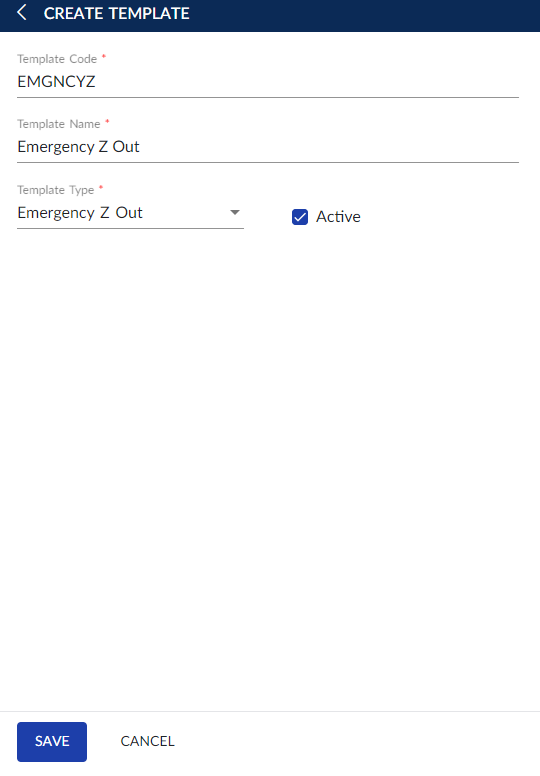
Click Save.